Using BeckerTool for contractors - from installation to mobile setup
Using BeckerTool for contractors - from installation to mobile setup
In the following video series we will show you step by step how to use BeckerTool for contractors:
from downloading and installing the program, to setting the end positions of the shading motors, to finalizing the settings, and even how to do it all without a laptop, from your mobile phone, using an OTG cable.
The videos would provide practical guidance for professionals working with Becker products.
1. Downloading, installing and using BeckerTool for the first time:
We'll show you where you can safely download BeckerTool, how to install it on Windows and how to launch the app to connect for the first time. We'll take you step-by-step through the initial setup so you can get started programming Becker motors with confidence.
2. Adjusting the end positions of shading motors in BeckerTool:
This section shows how to adjust the lower and upper end positions of the shading motors. We show how to fine-tune the devices.
Video: https://www.youtube.com/watch?v=6dAmZmSBU1o
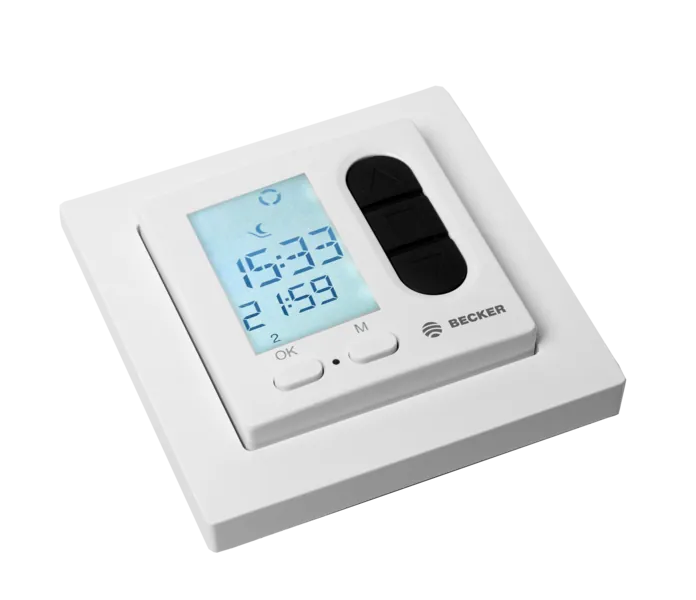
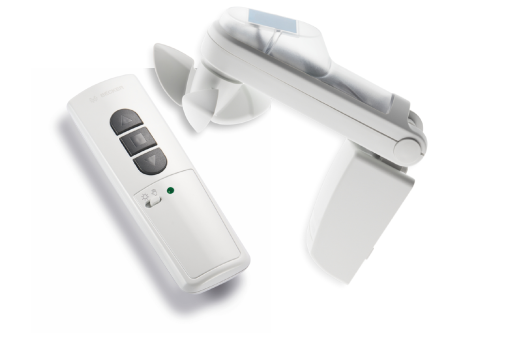
3. Add a remote control to the network
In this part of the video, you can learn how to add the remote control to your system in a few simple steps.
Video: https://youtube.com/shorts/ElrPzGLXKd0
4. Setting controls in BeckerTool
After setting up the motors and remote controls, the next step is to add the various controls and fine-tune their functions. As before, everything can be set up in just a few clicks.
Video: https://youtube.com/shorts/ZEUtR6l-Ef8
5. Closing the BeckerTool setup
Once all the settings are done, it is important to close it safely: final checks, save settings and then remove the stick properly.
Video: https://youtube.com/shorts/5-vye6H0G78
6. Setting up BeckerTool without a laptop - programming a shading motor with a mobile phone
In this video, we show you how to use BeckerTool from your smartphone without a laptop: what OTG cable you need for Android or iPhone, how to connect BeckerTool to your mobile and how to program the motors fully from your phone. Ideal for on-site installations and quick set-up.
Video: https://youtube.com/shorts/gj4xUjsCWLY