
Using BeckerTool for contractors - from installation to mobile setup
In the following video series we will show you step by step how to use BeckerTool for contractors:
from downloading and installing the program, to setting the end positions of the shading motors, to
lock settings, and even how you can do it all without a laptop, from your mobile, with an OTG cable
to do.
The videos would provide practical guidance for professionals working with Becker products.
1. Downloading, installing and using BeckerTool for the first time:
We'll show you where you can safely download BeckerTool, how to install it on Windows, and
how to start the app for the first connection. We will guide you step by step through the first
settings so you can get started programming Becker engines with confidence.
2. Adjusting the end positions of shading motors in BeckerTool:
This section shows how to adjust the lower and upper end positions of the shading motors.
We show you how to fine-tune your tools.
3. Add a remote control to the network
In this part of the video you can learn how to add the remote control to your system in a few simple steps
with the help of.
4. Setting controls in BeckerTool
After setting up the motors and remote controls, you can add the various controls and their functions
fine-tuning. As before, everything can be set up in just a few clicks.
5. Closing the BeckerTool setup
After setting up the motors and remote controls, you can add the various controls and their functions
fine-tuning. As before, everything can be set up in just a few clicks.
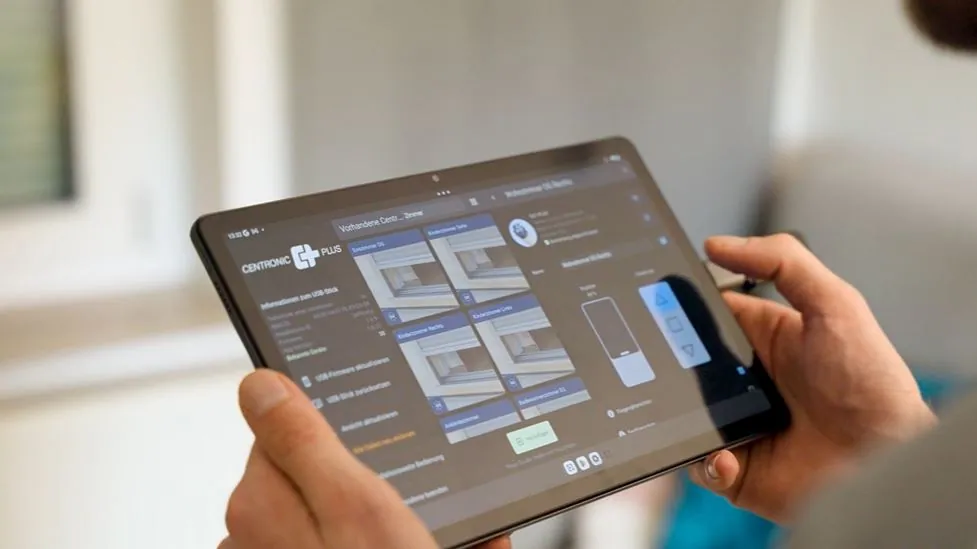
6. Setting up BeckerTool without a laptop - programming a shading motor with a mobile phone
In this video, we show you how to use BeckerTool from your smartphone if you don't have
laptop: which OTG cable to use with your Android or iPhone, how to connect your laptop to your
A plug-in for your mobile and how to program your engines fully from your phone. Ideal for
solution for on-site installations, quick commissioning.